Disclosure: this post contains affiliate links. If you sign up through one, we may earn a commission at no extra cost to you. We only recommend tools a CPA has reviewed from the vendor's own pages.
What is the best HR software in Canada for your team size?
Payroll only, under 50 staff, one province: Wagepoint, at $20 a month plus $4 per employee, or $40 plus $6 for unlimited pay runs. HR with payroll, under 50 staff, one province: Employment Hero (formerly Humi), with payroll at $7 per employee a month and a $70 minimum; Rippling is the alternative. 10 or more staff across several provinces or with people outside Canada, or 50 or more who run payroll in-house: Rippling, priced by quote. 50 or more staff who want payroll managed for them: ADP Workforce Now, by quote. Under 10 staff with people abroad, or employing people abroad through an employer of record: Deel. BambooHR and Gusto do not run Canadian payroll. Prices as printed on each vendor's page, read 14 October 2026.
Picks by team size
More than three out of four Canadian employers have fewer than 10 employees, according to Innovation, Science and Economic Development Canada, so most HR software advice is written for them. This guide is for the next group up: the roughly 245,000 Canadian employer businesses with 10 to 499 staff. At that size the HR system usually runs payroll as well, so it has to remit source deductions to the CRA on time, use the right province's tax tables, issue T4s, RL-1s and Records of Employment, and deal with Quebec and employer health tax. Below, each tool gets one job, the popular names that do not run Canadian payroll are named, and every price is shown the way the vendor prints it.
CPA-reviewed by Sebastien Prost, CPA. Every vendor fact below was read on the vendor's own pages (its Canadian pages where it has them), and every tax rule on canada.ca, Revenu Québec or a provincial finance ministry, on 14 October 2026. Rippling, Employment Hero, Wagepoint and Deel may pay us a referral fee if you sign up or book a demo through our links; our links to ADP, Dayforce, Payworks, BambooHR and Gusto earn us nothing.
Which HR software should a Canadian company use at each team size?
Start from two facts about your company: how many people you pay, and where they work. Those two answers decide most of the choice, because the hard part of HR software in Canada is not the org chart; it is payroll compliance across provinces and countries. This is the routing we use on every page of this site, whichever vendor pays us.
| Your situation | Our pick | Why |
|---|---|---|
| Payroll only, under 50 staff, one province | Wagepoint | Published price from $20 a month plus $4 per employee; we run it on client payrolls |
| HR with payroll, under 50 staff, one province | Employment Hero (formerly Humi), with Rippling as the alternative | Canadian HR system with a published payroll price: $7 per employee a month, $70 minimum |
| 10 or more staff across several provinces or with people outside Canada, or 50 or more who run payroll in-house | Rippling | Rippling says it runs HR, Canadian payroll and pay in other countries in one system; priced by quote |
| 50 or more staff who want payroll managed for them | ADP Workforce Now | ADP sells managed and comanaged payroll for companies over 50 employees, by quote |
| Under 10 staff with people abroad, or your main need is to employ people abroad through an employer of record | Deel | Employer of record at $599 per employee a month as printed on its pricing page |
Three other names come up on Canadian shortlists, and each has one honest job: Dayforce for 200 or more staff and shift-based workforces (its Powerpay product covers 1 to 199), Payworks for Canadian payroll with people on the phone, and BambooHR for HR-led teams that will add a separate payroll provider. Two well-known names do not run Canadian payroll at all: BambooHR's own payroll and Gusto. If the whole question is payroll rather than HR, our Canadian payroll software comparison prices the payroll-first tools side by side.
What does a Canadian company with 10 to 500 staff need from HR software?
An HR system for this size of company is judged on the payroll obligations it carries for you. These are the rules that separate a platform built for Canadian payroll from one that only sells into Canada, with the question to ask each vendor.
| Obligation | The rule | Ask the vendor |
|---|---|---|
| Remitting source deductions | Regular remitters pay the CRA by the 15th of the next month. Larger employers remit up to twice a month (average monthly withholding of $25,000 to $99,999.99) or up to four times a month ($100,000 or more). A late remittance draws a penalty of 3% to 10% of the amount, generally on amounts over $500, and 20% for a repeat failure made knowingly or through gross negligence. | Does the software send the money to the CRA, or prepare a schedule you pay yourself? |
| Province of employment | Tax tables follow the province of the establishment the employee reports to. A full-time remote employee can be attached to an establishment under the CRA's remote-work policy; otherwise the province of the establishment that pays them applies. A home office is generally not an establishment. | Can each employee carry their own province, and can it move mid-year? |
| Employer health tax | Ontario: eligible employers (Ontario payroll under $5 million) are exempt on the first $1 million. British Columbia: exempt up to $1 million of B.C. payroll, and 1.95% of all of it above $1.5 million. Manitoba: exempt up to $2.5 million. Newfoundland and Labrador: 2% on payroll above a $2 million exemption. Quebec: an employer contribution to the health services fund. | Does it calculate and remit each province's tax, and can it keep more than one account? |
| Quebec | Quebec income tax, QPP and QPIP are deducted, and the health services fund, labour standards and (where it applies) workforce skills contributions are paid, to Revenu Québec; Revenu Québec says the occupational health and safety premium is generally paid at the same time. Year-end slips are RL-1s, alongside T4s. | Are Revenu Québec remittances and RL-1s included, and is the employee side available in French? |
| Year-end slips and ROEs | Employees get their T4 slips by the last day of February. For weekly, biweekly or semi-monthly pay, an electronic ROE is due within 5 calendar days after the end of the pay period in which the interruption of earnings happened; monthly payrolls can face an earlier date. | Does it file T4s and submit ROEs itself, or hand you a file? |
| TD1 forms | New hires complete a federal TD1, plus a provincial TD1 if they claim more than the basic personal amount (Quebec uses form TP-1015.3-V). You keep the forms; the CRA says not to send it a copy. Electronic TD1s are allowed through a secure self-service portal. | Does onboarding collect the right provincial TD1 electronically? |
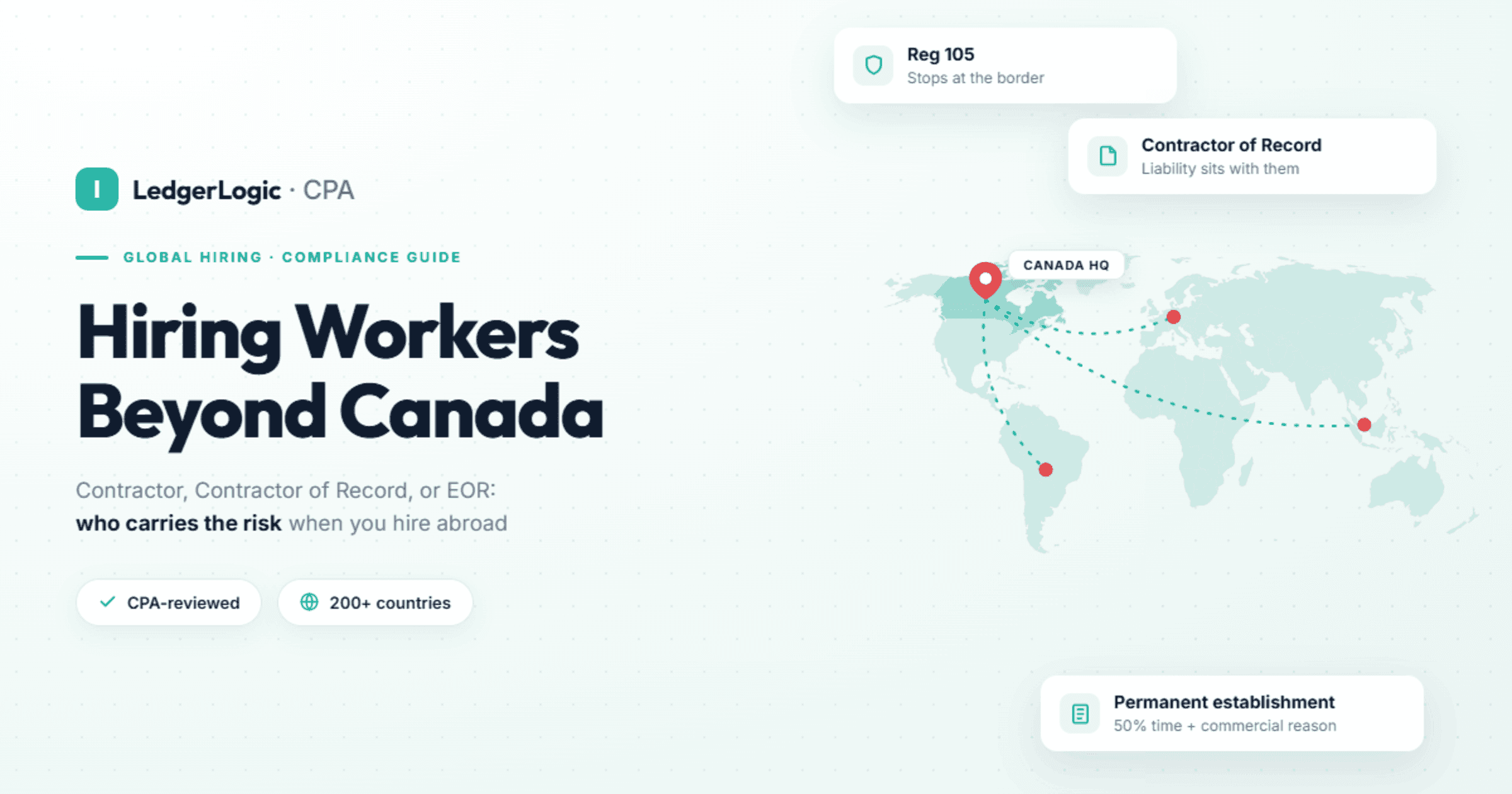
| Staff outside Canada | A Canadian payroll run does not cover someone employed in another country. They need payroll there, through your own local entity, or an employer of record. | Does the same system pay people abroad, and through whose entity? |
Two things in that table catch growing companies out. The first is employer health tax: outside Quebec it only bites once payroll passes the provincial exemption (Quebec's health services fund applies from the first dollar of payroll), so it tends to appear for the first time around the size this guide is written for, and associated companies share one exemption. Our employer health tax guide covers Ontario and B.C. in detail. The second is the province of employment for remote staff, which is not simply where the person lives. Our guide to multi-province payroll in Canada walks through what changes by province, and the TD1 guide covers the onboarding forms.
Which HR software fits a team across several provinces or countries?
Rippling, once you have about 10 or more staff spread across provinces or outside Canada, and from 50 staff in one province unless you want payroll run for you. Its pitch is one employee record for HR, Canadian payroll and pay in other countries, which is the problem a spread-out team actually has. Rippling says it has no minimum headcount; the 10-staff line is our view of where it starts to earn its keep.
On Canada specifically, Rippling says its payroll runs across all Canadian provinces, Quebec included, with remittances to the CRA and Revenu Québec, and that it manages CPP and QPP contributions, EI premiums, employer health tax and workers' compensation automatically. Its Canadian payroll page lists filings for TD1, T4, T4A, RL-1 and ROE: read with the CRA's TD1 rules, that means it collects TD1s (they stay on your file, not with the CRA) and issues the slips and ROEs. Its July 2025 release notes add three details that matter for a growing Canadian employer: several employer health tax accounts can be managed separately, admins can preview and approve a termination ROE before it is sent, and each Canadian employee can choose an English or French pay stub. Separately, the CRA lists Rippling as a third-party payment service provider for payroll source deductions.
For staff abroad, Rippling says it pays employees and contractors wherever they work from the same system, runs its own payroll engines in key countries, and offers an employer of record for countries where you have no entity. Rippling's published terms give Core Platform, Global Payroll - Canada, Time and Attendance, Scheduling, Benefits Administration, Recruiting, Headcount Planning, Performance Management, Learning Management and Surveys as examples of its products available in Canada. Rippling says its payroll connects to Xero, QuickBooks and NetSuite, and it integrates with Wealthsimple for Group RRSPs. The Canadian pages we read name no group benefits carrier, so ask which Canadian insurers it connects to before you count on benefits administration.
What to weigh before you book a call. Rippling prices by custom quote: it says most products are billed per employee per month, some add a monthly base fee, and each product sits on top of a required core platform. Rippling says it has supported Canadian companies since 2022, which makes it much newer here than ADP and Payworks, which say they have served Canadian employers for more than four decades and more than 25 years. And for a payroll-only team under 50 in one province, it is more system than the job needs.
Our Rippling Canada review gives a verdict on each criterion, and Rippling pricing and offers in Canada tracks what it currently publishes. Book a Rippling demo.
HR and payroll for a team across provinces or countries
Rippling says its Canadian payroll runs in every province, Quebec included, with CRA and Revenu Québec remittances, and pays people abroad from the same system. The CRA lists Rippling as a third-party payment service provider for payroll source deductions. Pricing is by quote.
What is the best Canadian HR software with payroll for a team under 50 in one province?
Employment Hero, for a company of under 50 staff, all in one province, that wants onboarding, time off and performance in the same system as payroll. It is the platform formerly called Humi: Employment Hero says it acquired Humi in 2025 and completed the move to the Employment Hero name in September 2025, and its Quebec product is still called Humi by Employment Hero.
Its Canadian pricing page shows payroll at $7 per employee a month with a $70 monthly minimum, and Managed Payroll, where Employment Hero's payroll specialists run it for you, at $30 per employee with a $500 minimum. The HR plans are custom-priced, and its Canadian plans, payroll included, state a minimum of 10 users, which a team under 10 should price in. Employment Hero says its payroll automates CPP and EI deductions and T4 generation and applies provincial tax tables to every pay run. Its payroll FAQ says the Payroll plan prepares your CRA remittance schedule, with Managed Payroll handling CRA filing and EHT remittances for you, and that ROEs are generated, ready for you to submit to Service Canada, when Payroll and HR are active together. Its Quebec page says Humi by Employment Hero handles CRA and Revenu Québec remittances, T4 and RL-1 slips and multi-province calculations. The CRA lists Employment Hero as a third-party payment service provider for payroll source deductions.
Why Rippling is the alternative rather than the pick here: for a team in one province, Employment Hero publishes its payroll price where Rippling quotes. Both say they run multi-province payroll, so the province line is our routing, not a limit of either product: once 10 or more staff work across provinces, our pick moves to Rippling. Employment Hero also sells HeroForce, an employer of record it says reaches more than 180 countries through Employment Hero's own legal entities. Rippling pulls ahead when you want pay in other countries run from the same system as your Canadian payroll. Ask both for a sample pay run with one employee in each of your provinces. Our Rippling vs Humi (Employment Hero) comparison goes line by line. See Employment Hero.
When is ADP Workforce Now the right choice?
When you have 50 or more staff and want payroll handled for you rather than by you. ADP Canada sorts its customers by size (1 to 49, 50 to 999 and 1,000 or more employees) and lists ADP Workforce Now On the Go for 1 to 49 employees and ADP Workforce Now for 50 to 10,000+. For the middle band it sells full-service payroll, comanaged payroll where you keep some tasks, and ADP Workforce Now Comprehensive Services, which outsources some or all of payroll. ADP says it calculates, withholds and remits payroll tax, manages variable pay rates within a pay period, and can expand to more than 140 countries. On its small-business product it says it generates T4s and Relevés and provides service in English and French for Bill 96. The CRA lists ADP as a third-party payment service provider for payroll source deductions.
ADP prices both products by quote. Ask ADP for a sample pay run with your own pay rules before you sign, and get the term and exit cost in writing. Our Rippling vs ADP Workforce Now comparison covers when each fits. ADP's midsized payroll page.
Is Dayforce or Powerpay better for large or hourly workforces?
They are the same company's two products, split by size. Dayforce's Canadian site sends 1 to 199 employees to Powerpay and 200 employees and up to Dayforce. Dayforce says it puts HR, pay, time, talent, planning and analytics in one platform, sells workforce management alongside payroll, and lists retail and hospitality and manufacturing among the industries it serves, which is why we point shift-based employers of 200 or more at it. Powerpay says it is trusted by more than 46,000 Canadian businesses and sells Assisted Payroll, with a dedicated payroll specialist handling pay runs, year-end, ROEs and remittances, plus an HR advisory service. Powerpay's help centre says Dayforce files customers' tax forms electronically with the CRA and Revenu Québec. Both price after a call or demo.
The CRA lists Dayforce as a third-party payment service provider for payroll source deductions. Our Rippling vs Dayforce and Powerpay comparison sets out the size bands. Dayforce Canada.
Is Payworks a good fit for Canadian payroll with HR add-ons?
Yes, if support from a Canadian team matters more to you than one system for everything. Payworks is a Canadian company that says it has served employers for more than 25 years, onboards more than 4,000 customers a year, and answers calls with a person in under 60 seconds. Its payroll page says tax remittances and WCB premiums are done for you, ROEs are submitted directly to Service Canada, it files year-end tax forms on your behalf, and it handles multiple locations and business numbers under one login. HR, employee self-service, and time and absence are sold as modules alongside payroll, with time and absence feeding pay runs directly. Pricing is an instant quote on its site.
Payworks has a French-language site and publishes a 2026 Québec payroll guide; confirm Revenu Québec remittances and RL-1s on the demo if you have Quebec staff. The CRA lists Payworks as a third-party payment service provider for payroll source deductions. Our Rippling vs Payworks comparison covers the trade-off between a payroll specialist and an all-in-one platform. Payworks.
Can a Canadian company use BambooHR?
For HR, yes; for payroll, not on its own. BambooHR says its payroll is designed to pay US-based employees and files US federal, state and local taxes. Outside the US it offers integrations with local payroll providers (it names the UK, Australia and New Zealand), global payroll partners through the BambooHR Marketplace, and its own employer of record. A Canadian company using BambooHR therefore runs a second system for Canadian payroll and keeps the two in sync.
BambooHR prices in US dollars: a flat US$250 a month for Core (US$425 Pro, US$650 Elite) for companies with 25 employees or fewer, and from US$10.25 per employee per month for Core (US$17.50 Pro, US$25 Elite) above 25, with volume discounts applied automatically. The Canadian payroll provider is an extra cost on top. It suits an HR-led team that likes its people tools and already has Canadian payroll it trusts. Our Rippling vs BambooHR comparison prices the two-system setup against one platform. BambooHR pricing.
What should a payroll-only team under 50 in one province use?
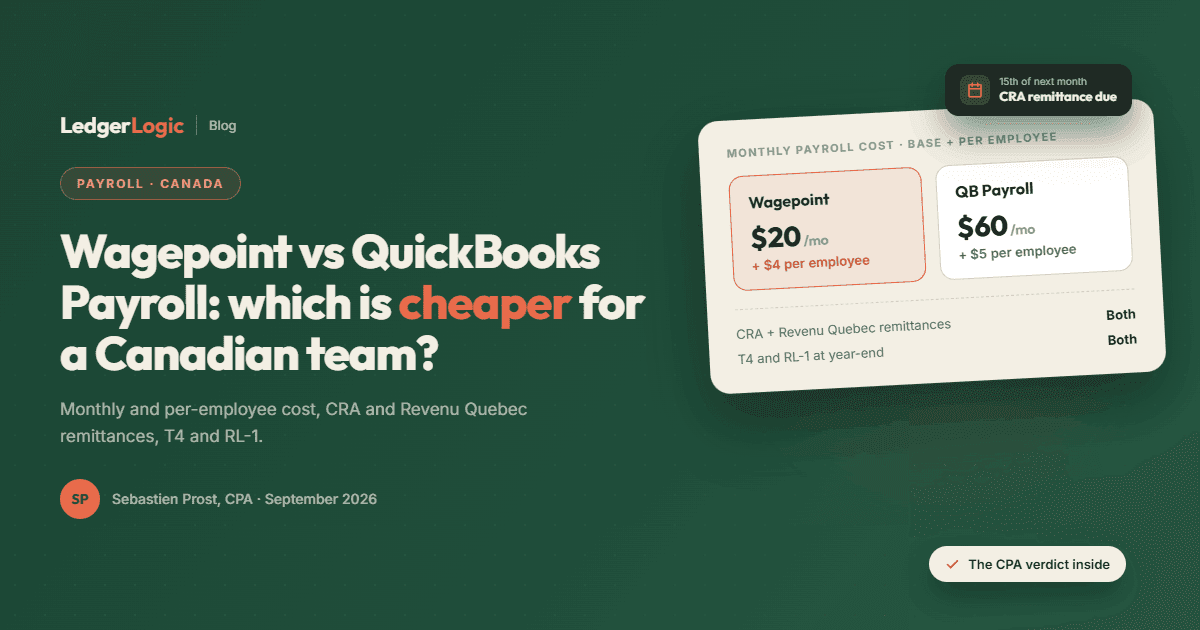
Wagepoint, if what you need is payroll rather than an HR system. It is the one tool in this guide we run on client payrolls ourselves. Wagepoint's pricing page shows Solo at $20 a month plus $4 per employee or contractor (one payroll run a month) and Unlimited at $40 plus $6, with T4s and T4As, Records of Employment, workers' compensation (WCB and WSIB) and the Ontario and B.C. employer health tax among the plan features, and a 14-day free trial. In a post dated 22 September 2026, Wagepoint says it supports Revenu Québec as well as CRA remittances, and Quebec reporting including the RL-1. Its FAQ says it only serves small businesses in Canada, and in our practice it is payroll with an employee portal, not an HR suite.
When the team reaches 50, passes 10 across several provinces, hires outside Canada, or needs onboarding and time off managed in one place, our guide to outgrowing small-business payroll covers when and how to switch. Read the full Wagepoint review, or try Wagepoint free for 14 days.
Which HR software does not run Canadian payroll?
Two well-known names. BambooHR's payroll pays US-based employees only, as above; in Canada you pair it with a payroll partner or use its employer of record. Gusto has no Canadian payroll either: its help centre handles employees outside the US through an employer of record, and since 1 May 2026 it refers new customers straight to Remote for that service. If an HR tool's payroll page only talks about US tax forms and never mentions T4s, RL-1s or ROEs, assume it does not do Canadian payroll until the vendor shows you a Canadian pay run.
How do Canada's main HR and payroll tools compare?
Each row comes from the vendor's own pages, read on 14 October 2026. "Says" marks a vendor's own claim that we have not seen working ourselves.
| Tool | Best fit (our view) | Canadian payroll | Quebec | Price as published |
|---|---|---|---|---|
| Rippling | 10+ staff across provinces or countries; 50+ unless payroll is run for you | Yes; says all provinces, CRA remittances, T4, T4A, ROE | Says yes: Revenu Québec remittances, RL-1, French pay stubs | Quote; per employee per month, base fee on some products |
| Employment Hero (Humi) | Under 50 staff, one province, HR with payroll | Yes; says it prepares the CRA remittance schedule, files T4s and generates ROEs with HR active | Says yes, through Humi by Employment Hero: RQ remittances, RL-1 | Payroll $7 per employee, $70 minimum; HR plans custom, 10-user minimum |
| ADP Workforce Now | 50+ staff wanting managed payroll | Yes; says it withholds and remits payroll tax | Says bilingual, with French for Bill 96; Relevés named on its small-business product | Quote |
| Dayforce / Powerpay | 200+ or shift-based staff (Dayforce); 1 to 199 (Powerpay) | Yes; help centre says it files tax forms with the CRA | Help centre says it files with Revenu Québec too | Quote by call |
| Payworks | Canadian payroll with phone support, HR as add-ons | Yes; says remittances, WCB premiums, ROEs to Service Canada | French site and Québec guide; confirm on demo | Instant quote |
| BambooHR | HR-led teams with separate Canadian payroll | No; payroll is for US employees | Only through a payroll partner or its employer of record | US$250 a month flat to 25 staff; from US$10.25 per employee above |
| Wagepoint | Under 50 staff, one province, payroll only | Yes; T4s, T4As, ROEs, WCB, ON and B.C. EHT | Says yes (post of 22 Sep 2026): RQ remittances, RL-1 | $20 + $4 per employee, or $40 + $6 |
| Gusto | US employers | No; staff outside the US go through an employer of record | No | Not applicable |
| Deel | Under 10 staff with people abroad, or an employer of record as the main need | Not compared here (sold for staff abroad) | Not compared here | $599 per employer-of-record employee a month |
Wagepoint and Employment Hero print prices with a dollar sign but no currency; BambooHR prints US dollars; Deel's page does not name a currency.
How much does HR software cost at 9, 25 and 49 staff?
Three of these tools publish full per-employee prices; Rippling, ADP, Dayforce, Powerpay and Payworks price by quote, so they are left out. Monthly list prices, before tax and before any discount, for the payroll or HR module alone.
| Plan | 9 staff | 25 staff | 49 staff |
|---|---|---|---|
| Wagepoint Unlimited ($40 + $6 each) | $94 | $190 | $334 |
| Employment Hero Payroll ($7 each, $70 minimum) | $70 | $175 | $343 |
| Employment Hero Managed Payroll ($30 each, $500 minimum) | $500 | $750 | $1,470 |
| BambooHR Core (HR only, no Canadian payroll) | US$250 | US$250 | US$502.25 |
Read the rows as different products, not a ranking. Wagepoint is payroll only. Employment Hero's payroll line excludes its HR plans, which are quoted with a 10-user minimum. BambooHR is HR only, needs a Canadian payroll provider on top, and says volume discounts apply automatically to its per-employee pricing. Wagepoint Solo, at $20 plus $4 for one run a month, would cost $56 for 9 staff paid monthly. Past 50 staff, most of the tools in this guide quote rather than publish, so get two quotes on the same headcount, provinces and modules and compare them line by line.
Which payroll providers does the CRA list for remitting source deductions?
The CRA's page on paying through a third-party payment service provider lists, for payroll source deductions, ADP, Dayforce, Employment Hero, Nethris, PaymentEvolution, Payworks, Pivotal Solutions, Rippling, Rise, UKG and Wave Payroll, alongside general payment services such as PaySimply, Plastiq, Plooto and TelPay (page modified 21 July 2026). Only providers set up as Electronic Data Interchange remitters can ask to be listed, and the CRA says it does not endorse the companies. The list tells you who can send a remittance to the CRA on your behalf. It is not a list of approved payroll software, so read nothing into a name that is missing from it.
How we reviewed
This guide is CPA-reviewed, not a hands-on trial of every tool. We run Wagepoint on client payrolls, so the Wagepoint section is first-hand. We have not used Rippling, Employment Hero, ADP, Dayforce, Powerpay, Payworks, BambooHR, Gusto or Deel ourselves: every statement about them comes from the vendor's own pages (Canadian pages where they exist), help centre, release notes or published terms, read on 14 October 2026, and a claim we could not check beyond the vendor's own page is attributed to the vendor ("Rippling says"). Tax rules come from canada.ca, Revenu Québec and the Ontario, British Columbia, Manitoba and Newfoundland and Labrador finance pages. The count of businesses with 10 to 499 employees is our sum of ISED's size bands for December 2023. Prices are list prices as printed, before tax; we give no star ratings.
The picks follow one routing rule that we apply the same way on our payroll hub, our reviews and every comparison. Rippling, Employment Hero, Wagepoint and Deel may pay us a referral fee if you sign up or book a demo through our links (Deel has also paid us to write about it in the past); our links to ADP, Dayforce, Payworks, BambooHR and Gusto are plain links that earn us nothing. A referral fee never changes which tool we send a given team to.
Frequently Asked Questions
What is the best HR software in Canada for a growing company?
Which HR software runs Canadian payroll?
What is the best HRIS for 100 to 500 employees in Canada?
Does BambooHR or Gusto work for Canadian payroll?
Which HR software handles Quebec?
How much does HR software cost in Canada?
Does Rippling work for Canadian companies?
Do I need HR software or just payroll software?
Sources
All read 14 October 2026.
- Canada Revenue Agency: Pay through a third-party payment service provider; When to remit (pay); Determine the province of employment; Get the completed TD1 forms; RC4120, Filing the T4 slip and summary
- Employment and Social Development Canada: How to complete the Record of Employment
- Revenu Québec: Calculating source deductions and employer contributions
- Provinces: Ontario employer health tax; B.C. employer health tax overview; Manitoba Health and Post-Secondary Education Tax Levy; Newfoundland and Labrador Health and Post Secondary Education Tax
- ISED: Key Small Business Statistics 2024
- Rippling: Canadian payroll; Canada launch post; July 2025 product updates; pricing; small businesses; global payroll; employer of record; promotion terms, section 27 (products available in Canada)
- Employment Hero: Canadian pricing; payroll software; Humi by Employment Hero, Quebec payroll; Canadian home page
- ADP Canada: home page (size bands); payroll for 50 or more employees; ADP Workforce Now On the Go
- Dayforce and Powerpay: Dayforce Canada; Powerpay; Powerpay Assisted Payroll; Powerpay help: electronic filing
- Payworks: home page; payroll; 2026 Québec payroll guide
- BambooHR: payroll; pricing
- Wagepoint: pricing; How Wagepoint handles Québec's requirements (22 September 2026)
- Gusto: Add and pay non-US employees with an employer of record. Deel: pricing

Sebastien ProstCPA, Ex-CRA
Licensed CPA with 10+ years of experience, including work with the Canada Revenue Agency. Founder of LedgerLogic, a cloud accounting firm serving Canadian SMEs. Xero Certified Advisor.